Security & privacy for TXT to HTML conversion
About TXT to HTML conversion
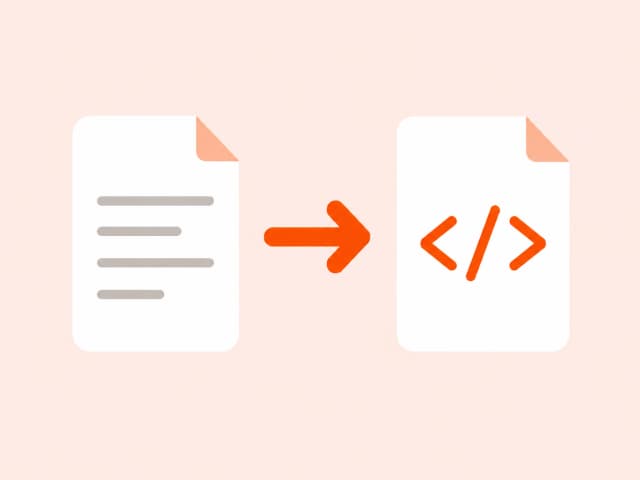
Plain text has no concept of paragraphs, headings, or links - it's just characters and line breaks. Turning a .txt file into HTML means wrapping that content in proper markup so a browser renders it correctly instead of displaying raw, unstyled text.
The converter escapes special characters, preserves line breaks with CSS white-space handling, and wraps everything in a valid HTML document with a readable default font and layout.
Common use cases
- Publishing a plain-text README or changelog as a web page
- Quickly previewing text file contents in a browser
- Preparing plain-text notes for a static site
- Converting log output or exported text into a shareable HTML file
Also searched as
Common ways people describe TXT to HTML conversion - this tool covers all of them.
FAQ: TXT to HTML conversion
Why choose a browser-based converter
Converting file content in your browser beats upload-based tools on privacy, speed, and cost.
Trusted by developers, analysts, and content teams
“I use the CSV to JSON converter daily for backend testing. It's instant, no login, and the output is clean. Exactly what I needed.”
“Finally a DOCX to HTML tool that doesn't mangle the formatting. Converted 40 articles in 20 minutes.”
“XLSX to CSV in one click with zero setup. I've tried five other tools - this is the only one that runs entirely in the browser.”