Security & privacy for Markdown to HTML conversion
About Markdown to HTML conversion
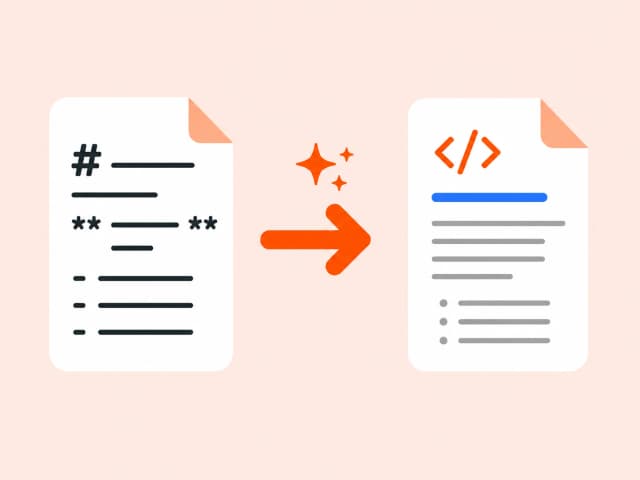
Markdown is a lightweight plain-text syntax for headings, bold, links, and lists - readable as-is, but not something a browser can render directly. Converting to HTML interprets that syntax and outputs the equivalent markup: # headings become <h1>-<h3>, **bold** becomes <strong>, and so on.
This is the standard bridge between writing in Markdown (READMEs, docs, notes) and publishing that content anywhere HTML is expected - a CMS, a static site, or an email template.
Common use cases
- Publishing README or documentation files as web pages
- Converting notes written in Markdown for a static site generator
- Preparing Markdown content for a CMS that expects HTML
- Rendering changelogs or release notes for the web
Also searched as
Common ways people describe Markdown to HTML conversion - this tool covers all of them.
FAQ: Markdown to HTML conversion
Related guides on Markdown to HTML conversion
Why choose a browser-based converter
Converting file content in your browser beats upload-based tools on privacy, speed, and cost.
Trusted by developers, analysts, and content teams
“I use the CSV to JSON converter daily for backend testing. It's instant, no login, and the output is clean. Exactly what I needed.”
“Finally a DOCX to HTML tool that doesn't mangle the formatting. Converted 40 articles in 20 minutes.”
“XLSX to CSV in one click with zero setup. I've tried five other tools - this is the only one that runs entirely in the browser.”