Security & privacy for JSON to CSV conversion
About JSON to CSV conversion
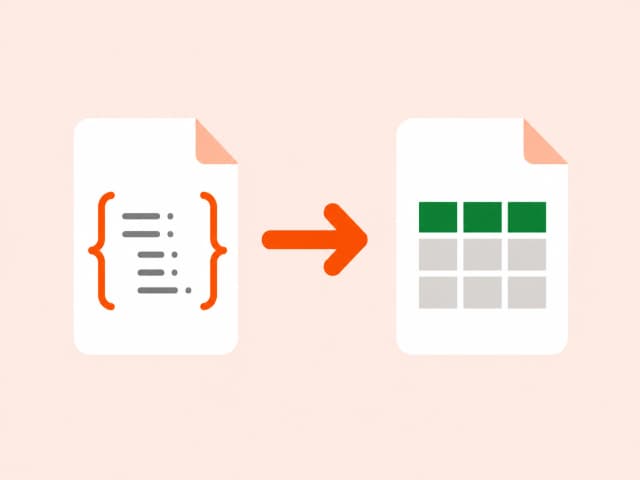
JSON's array-of-objects shape is ideal for code but awkward for anyone working in a spreadsheet. Converting to CSV flattens that structure into rows and columns, using the object keys as column headers - the format every spreadsheet tool, from Excel to Google Sheets, understands natively.
This conversion is the reverse of the JSON pipeline problem: an API response or exported dataset needs to become something a non-technical stakeholder can open, filter, and analyze without touching code.
Common use cases
- Turning an API response into a spreadsheet for stakeholders
- Exporting JSON logs or records for reporting
- Preparing JSON data for import into Excel or Google Sheets
- Converting configuration or seed data into a reviewable table
Also searched as
Common ways people describe JSON to CSV conversion - this tool covers all of them.
FAQ: JSON to CSV conversion
Related guides on JSON to CSV conversion
Why choose a browser-based converter
Converting file content in your browser beats upload-based tools on privacy, speed, and cost.
Trusted by developers, analysts, and content teams
“I use the CSV to JSON converter daily for backend testing. It's instant, no login, and the output is clean. Exactly what I needed.”
“Finally a DOCX to HTML tool that doesn't mangle the formatting. Converted 40 articles in 20 minutes.”
“XLSX to CSV in one click with zero setup. I've tried five other tools - this is the only one that runs entirely in the browser.”