Convert CSV to Excel (XLSX) Online - Free File Converter

Open CSV files directly in Excel by converting to XLSX format. No software needed.

100% Private
No Signup
Instant
Completely Free
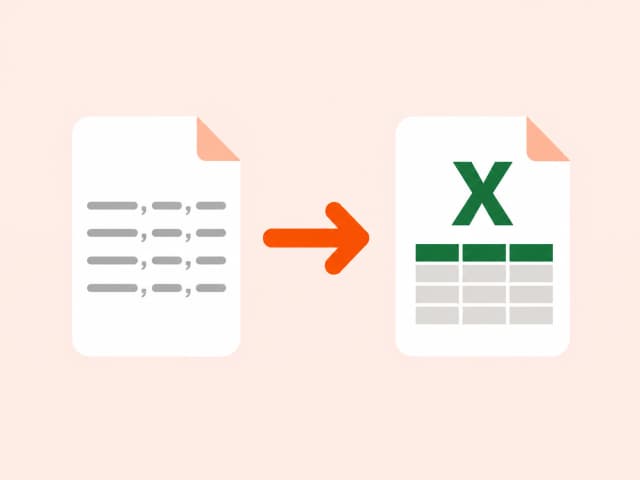
CSV to XLSX illustration
.csv → .xlsxDataLosslessInstantRuns 100% in your browser

Security & privacy for CSV to XLSX conversion

No file upload
Your .csv file never leaves your device or touches a server.
Auto-discarded
Nothing is stored - close the tab and both files are gone.
No signup
No account, no email, no payment info required to convert.

About CSV to XLSX conversion

CSV is a plain-text format with no styling, formulas, or multiple sheets - just raw values separated by commas. XLSX is Excel's native binary-adjacent format, which supports cell formatting, multiple sheets, and richer data types.

Converting CSV to XLSX is usually about handoff: a script or database export produces CSV, but the person who needs to review it expects to open it directly in Excel with proper column formatting rather than a plain-text file.

Common use cases

  • Delivering a CSV export as a polished Excel file
  • Preparing raw data for stakeholders who work exclusively in Excel
  • Opening database query results without a plain-text intermediate step
  • Converting scraped or generated CSV data into a shareable spreadsheet

Also searched as

Common ways people describe CSV to XLSX conversion - this tool covers all of them.

convert from csv to xlsxhow to convert .csv to excelhow do i convert csv to excelhow do i convert a csv file to excelcsv excel convertermake csv file from excelcsv file to xlsxcsv to xlsxcsv to xlsx convertercsv to xlsx conversioncsv to xlsx converthow to convert csv to xlsxhow to change csv to xlsxhow to convert a csv file to xlsxhow to convert csv file to xlsxhow to convert a csv file to excel formathow to convert csv in excelcsv into xlsxchange csv to xlsxconvert csv to xlsxcsv format to excelonline convert csv to xlsexcel convert csv to xlsx

FAQ: CSV to XLSX conversion

Why choose our file content conversion tool

Browser-based file content conversion beats upload-based tools on privacy, speed, and cost.

Zero data exposure
Your files never leave your device. 100% secure and private.
No installation required
No software or extensions needed. Works on all devices.
No account, no tracking
We don't track you or store your data. Convert anonymously.
Faster and lightweight
Built for speed with optimized performance for all browsers.
Works on any device
Convert on Windows, Mac, Linux, Android, or iOS seamlessly.

Trusted by developers, analysts, and content teams

4.9/5
from 2,200+ users

I use the CSV to JSON converter daily for backend testing. It's instant, no login, and the output is clean. Exactly what I needed.

AK
Ali K.
Full-stack developer

Finally a DOCX to HTML tool that doesn't mangle the formatting. Converted 40 articles in 20 minutes.

SR
Sarah R.
Content manager

XLSX to CSV in one click with zero setup. I've tried five other tools - this is the only one that runs entirely in the browser.

MP
Marco P.
Data analyst
Help & FAQ

Frequently asked questions about file content conversion

Convert anyfiletoany format.

100% Private
Files stay in
your browser
No Upload
Your files never
leave your device
No Account
No sign up
required

19 free converters. No upload. No account.
Your files never leave your browser.