Security & privacy for XLSX to JSON conversion
About XLSX to JSON conversion
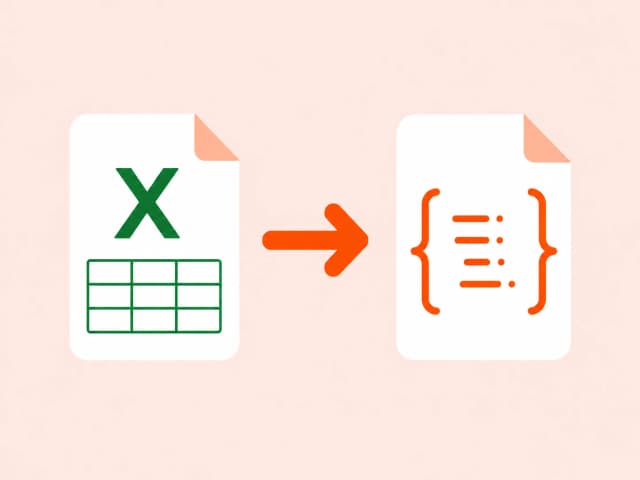
Excel spreadsheets store data in a compressed, styled binary format that's built for spreadsheet software, not applications. Converting to JSON reshapes each row into an object keyed by its column headers - the same shape a REST API or JavaScript app expects.
This skips the usual XLSX → CSV → JSON detour, going straight from a spreadsheet to structured data ready for a frontend, API, or database seed script.
Common use cases
- Feeding Excel data directly into a JavaScript application
- Converting spreadsheet exports for API testing
- Turning Excel-based configuration into structured JSON
- Preparing spreadsheet data for a no-code tool or automation platform
Also searched as
Common ways people describe XLSX to JSON conversion - this tool covers all of them.
FAQ: XLSX to JSON conversion
Why choose a browser-based converter
Converting file content in your browser beats upload-based tools on privacy, speed, and cost.
Trusted by developers, analysts, and content teams
“I use the CSV to JSON converter daily for backend testing. It's instant, no login, and the output is clean. Exactly what I needed.”
“Finally a DOCX to HTML tool that doesn't mangle the formatting. Converted 40 articles in 20 minutes.”
“XLSX to CSV in one click with zero setup. I've tried five other tools - this is the only one that runs entirely in the browser.”