Security & privacy for PNG to WebP conversion
About PNG to WebP conversion
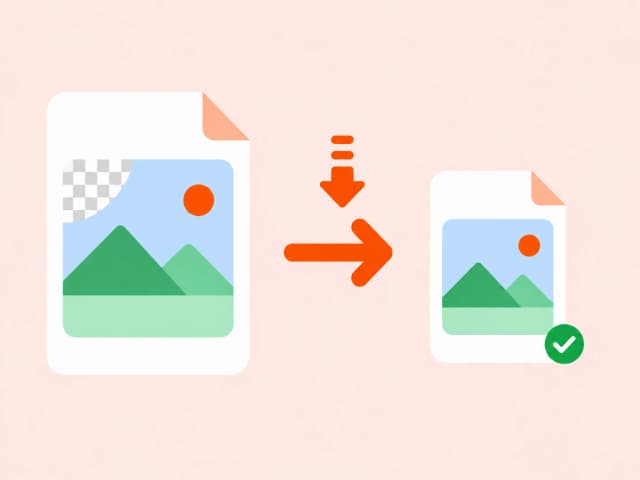
WebP supports both lossy and lossless compression and, unlike JPEG, also supports alpha transparency - meaning it can replace PNG without losing transparency support while still producing files 25-35% smaller.
For graphics, UI assets, and screenshots currently saved as PNG, converting to WebP is usually a drop-in file-size win with no visible quality trade-off.
Common use cases
- Shrinking transparent PNG assets without losing transparency
- Reducing icon and UI graphic file sizes
- Improving LCP scores on pages with large PNG hero images
- Preparing graphics for modern, performance-conscious websites
Also searched as
Common ways people describe PNG to WebP conversion - this tool covers all of them.
FAQ: PNG to WebP conversion
Related guides on PNG to WebP conversion
Why choose a browser-based converter
Converting file content in your browser beats upload-based tools on privacy, speed, and cost.
Trusted by developers, analysts, and content teams
“I use the CSV to JSON converter daily for backend testing. It's instant, no login, and the output is clean. Exactly what I needed.”
“Finally a DOCX to HTML tool that doesn't mangle the formatting. Converted 40 articles in 20 minutes.”
“XLSX to CSV in one click with zero setup. I've tried five other tools - this is the only one that runs entirely in the browser.”