Security & privacy for JPG to PNG conversion
About JPG to PNG conversion
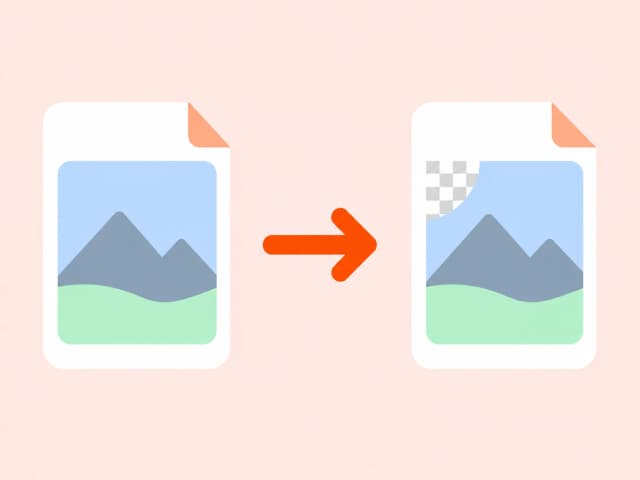
JPG's lossy compression permanently discards some image detail to reduce file size - fine for photos, but not ideal when you need pixel-perfect output or transparency support. PNG's lossless compression preserves the image exactly as decoded, with no further quality loss on each save.
Converting JPG to PNG doesn't recover detail lost in the original JPEG compression, but it does give you a format that won't degrade further and that supports transparency for any subsequent editing.
Common use cases
- Preparing a JPEG for editing in software that expects lossless input
- Converting photos for use as a base layer needing transparency
- Standardizing mixed-format image assets to PNG
- Avoiding further generational quality loss on repeated saves
Also searched as
Common ways people describe JPG to PNG conversion - this tool covers all of them.
FAQ: JPG to PNG conversion
Why choose a browser-based converter
Converting file content in your browser beats upload-based tools on privacy, speed, and cost.
Trusted by developers, analysts, and content teams
“I use the CSV to JSON converter daily for backend testing. It's instant, no login, and the output is clean. Exactly what I needed.”
“Finally a DOCX to HTML tool that doesn't mangle the formatting. Converted 40 articles in 20 minutes.”
“XLSX to CSV in one click with zero setup. I've tried five other tools - this is the only one that runs entirely in the browser.”